Guides
How to read a weather alert
How to read a weather alert: check its official hazard, mapped area, timing, evidence, impacts and updates—not just a phone notification.
What to take away
- A phone notification is a trigger to open the full product, never a substitute for it.
- A watch means conditions are favorable for a hazard; a warning means the hazard is occurring, imminent or expected; an advisory flags hazardous conditions that generally call for caution but are less severe than a warning. Definitions vary by hazard, so use the issuing office's label and wording.
- A county named in routing metadata does not mean the whole county faces the same condition.
- Keep the evidence tagradar indicated, observed, gauge reported and forecast are not interchangeable.
- Check the current alert and local authority page before relying on it, and note when you checked.
A mobile notification can hide the source, the full geographic description, the hazard basis and the expiration. The NWS page on Wireless Emergency Alerts describes phone alerts that warn people near a hazard, such as a tornado alert reaching a driver in an affected county. Open the full alert on the National Weather Service's Weather.gov Alerts page or retrieve it through the NWS API at api.weather.gov. The local NWS Weather Forecast Office issues many local warnings; the Storm Prediction Center issues tornado and severe thunderstorm watches; the National Hurricane Center handles tropical cyclone watches and warnings. River Forecast Centers provide river forecasts, while local emergency management may relay protective instructions.
A weather alert is an official product, not just a phone notification. Reading the complete product helps distinguish what the issuing office says from what a banner or social post leaves out.
Photo and credit
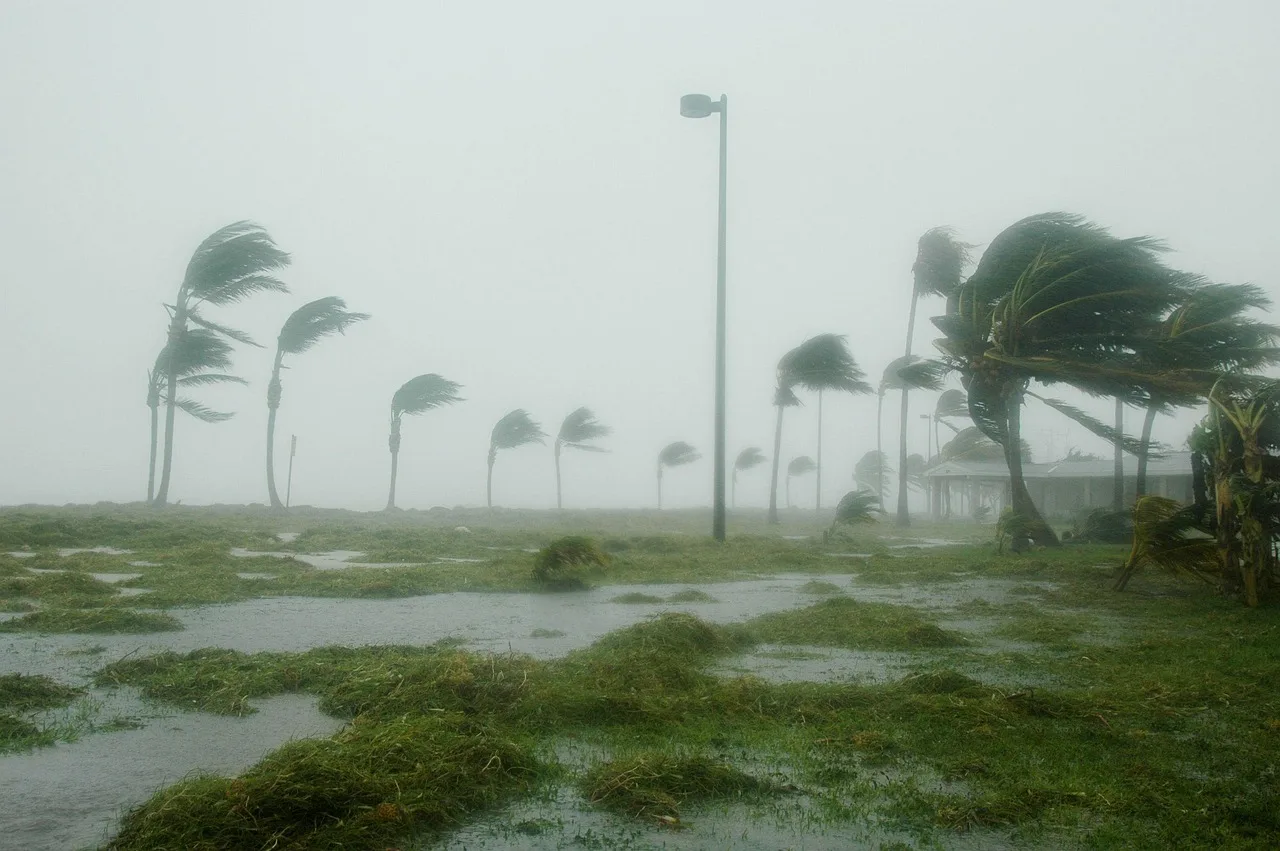
The photograph shows shallow floodwater over a paved road. It is not evidence of a current closure, flood depth, safe route or warning area.
Step 1: identify the product
Copy the issuing office and exact product name; record the event code if the alert format shows one. Common NOAA Specific Area Message Encoding (SAME) codes include TOR for Tornado Warning, SVR for Severe Thunderstorm Warning and FFW for Flash Flood Warning; the full product title is still the clearest label. Record the issue time and valid period, and check whether the product is new, corrected, updated, extended, replaced or canceled.
Tornado watch vs warning
Tornado watch
- Meaning
- Tornadoes possible
- Issued by
- Storm Prediction Center
- Area size
- Large regions
- Action
- Be ready
Tornado warning
- Meaning
- Sighted or radar indicated
- Issued by
- Local NWS office
- Area size
- Specific polygon or zone
- Action
- Take immediate action
The National Weather Service's page on tornado watches and warnings shows how one hazard's alerts escalate. A tornado watch means tornadoes are possible in and near the watch area, and the Storm Prediction Center issues it for large regions.
A tornado warning means a tornado has been sighted or indicated by radar, and it calls for immediate protective action. Other common NWS product names include Severe Thunderstorm Warning, Flash Flood Warning and Winter Storm Warning; examples of advisories include Flood Advisory and Winter Weather Advisory. In general, an advisory signals hazardous conditions that are less severe than a warning but still call for caution; the exact meaning varies by hazard, so read the issuing office's definition.
Use the exact label. Do not write "warning" for every weather notification. For claims arriving as social reposts of alerts, run the breaking news verification checklist first.
Step 2: map the area
Read the polygon, the zone list, the county description, the river reach and the landmark text. NWS alerts may use Universal Geographic Code (UGC) identifiers for counties or forecast zones. Common Alerting Protocol (CAP) messages may carry UGC codes and polygon data, and the NWS API can provide alert polygons in GeoJSON. Compare the mapped area with the plain-language description to see whether a city is fully or partly inside.
Map the alert area
- Read polygon and zone list
- Check county description
- Note river reach and landmarks
- Confirm city fully or partly inside
- Do not infer safety outside line
A county named in routing metadata may not mean the entire county faces the same condition. Make a place list only after checking it against the product, and do not infer safety just outside a line.
Step 3: establish time
Record the issue, start, expected arrival and expiration times, each with its time zone. A warning issued at night may cross midnight. When referring to the alert later, use the full date rather than today or tomorrow, because the alert may remain relevant after the day it was issued.
Alert time fields
- Issueproduct release time
- Startwhen conditions begin
- Expected arrivalwhen hazard reaches
- Expirationwhen product ends
Step 4: label the evidence
Look for the source tag: radar indicated, observed, gauge reported, trained spotter, emergency management or forecast conditions. Keep those distinctions clear when describing the alert. If the product cites a measured value, note its location, unit and time, and do not present a remote estimate as a surface measurement.
Step 5: extract impact and action
Separate the stated hazard, expected impact and protective instruction. If the warning is urgent, pay attention to the action first, and keep each instruction tied to the issuing authority and the location it covers.
Do not infer a route, shelter location or medical advice from a weather alert. Verify local facilities and instructions with the responsible jurisdiction.
Step 6: inspect update language
Compare the current product with the previous version. Ask whether the area changed, whether the source moved from radar indicated to observed, whether the expiration was extended, and whether the hazard ended while secondary impacts continue. If you are following news coverage, a material change should be reflected in the opening and headline; watch for updates that leave contradictory information in place.
Step 7: perform the final reload
Refresh the alert and the local authority page before relying on them, and note the time of the latest check. If the alert is changing quickly, check again for an expiration or scheduled update. The same recheck principle appears in the health alert reporting checklist.
Common questions
Is everyone in a named county necessarily inside the warning polygon?
Not always. Read the full geographic description and map before summarizing the area, and describe the part of the county the product actually covers. If the boundary is unclear, say so rather than rounding it out.
Does "radar indicated" mean the event was observed on the ground?
No. It describes the evidence the product itself names. Ground confirmation is a separate claim and should be labeled as one, with the source that confirmed it.
Can an expired warning be deleted from an article?
Replace the prominent action with the current status, but keep a dated record that the warning existed when it matters to the event timeline. Readers arriving later still need to know what was in force at the time.
What should the headline contain?
A useful headline names the official action, hazard, affected place and useful timing without claiming more certainty than the source provides. If the product says forecast, the headline should not say confirmed.